
How to Enable Unknown Sources on Android (12, 13 & 14 Guide)
Updated: October 2026 • By GameZora Technical Team • 4 Min Read
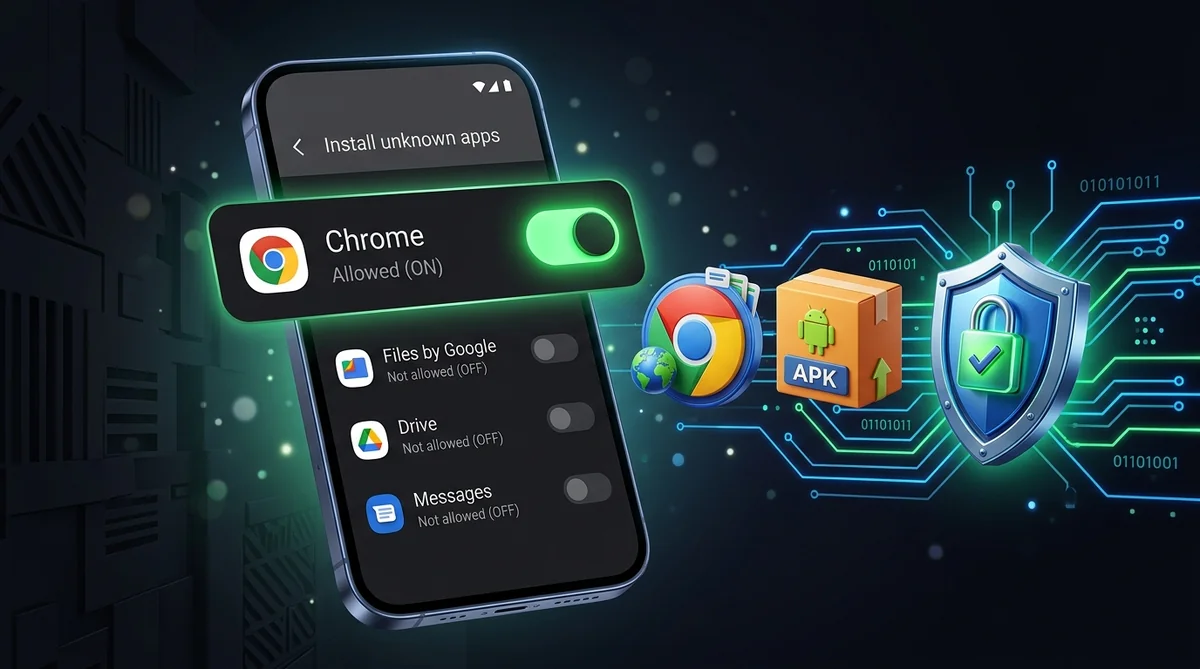
By default, Android smartphones restrict the installation of apps downloaded from web browsers and messaging platforms. To set up gaming APKs like IX7, Diwa VIP, or Yono Games, you need to enable the "Install Unknown Apps" permission for your specific browser or file manager.
How "Unknown Sources" Works on Modern Android
In older Android versions (Android 7 and earlier), there was a single universal toggle named "Unknown Sources". Starting with Android 8.0 and continuing through modern Android 12, 13, and 14, Google replaced this with an individual, per-application security model. You now grant installation permissions specifically to the app that downloads the file (such as Google Chrome, Samsung Internet, or your Files app).
Step-by-Step Instructions (Stock Android, Pixel & Motorola)
- Open Settings on your Android phone.
- Scroll down and tap Apps (or Apps & Notifications).
- Tap Special App Access (usually located at the very bottom or under advanced settings).
- Select Install Unknown Apps.
- Tap the app you use to download APKs (e.g., Google Chrome).
- Toggle the switch next to "Allow from this source" to ON.
Instructions for Samsung Galaxy (One UI)
- Open Settings > Security and Privacy.
- Scroll down and tap Install Unknown Apps.
- Locate Chrome or Samsung Internet.
- Turn the toggle switch to ON.
Instructions for Xiaomi, Redmi & POCO (MIUI / HyperOS)
- Open Settings > Privacy Protection.
- Tap Special Permissions and select Install Unknown Apps.
- Select your browser or File Manager.
- Check the disclaimer checkbox and tap OK after the 10-second countdown.
Instructions for OnePlus, Realme & OPPO (OxygenOS / ColorOS)
- Open Settings > Security > Installation Sources.
- Select your browser or My Files app.
- Enable "Allow app installs".
Permission Enabled? Start Playing!
All APK files cataloged on GameZora are scanned for viruses and tested for peak performance: